7 Best SEO Dashboard Example Templates for Lead Attribution in 2026
Tired of showing your boss traffic charts that don’t connect to actual business? You know SEO is working, but proving its direct impact on leads, customers, and revenue is a different challenge. Clicks and rankings are great, but stakeholders want to see the bottom line. This is where a specialized SEO dashboard example focused on attribution becomes your most powerful tool. It transforms abstract metrics into a clear story about business growth.
This guide moves beyond vanity metrics to show you how to build and use dashboards that connect organic search performance directly to sales. We’ve gathered seven actionable examples that track the entire customer journey, from the first search query to a closed deal in your CRM. You'll see exactly which metrics matter for proving value, like organic leads, conversion rates, and assisted conversions. Fundamentally, these dashboards are designed to help you quantify your efforts by demonstrating how to calculate marketing ROI.
For each SEO dashboard example, we provide a screenshot, a breakdown of essential metrics, and simple implementation tips for non-technical marketers. We’ll also explain how to populate these reports with the crucial lead source data often missing from form submissions, ensuring you can finally prove SEO's true contribution. Let's dive into the examples that will help you connect your SEO efforts to real revenue.
1. Google Looker Studio – The Free & Flexible Attribution Hub
Google Looker Studio (formerly Data Studio) is the go-to choice for marketers who need a powerful, customizable, and completely free tool for visualizing data. Its biggest advantage is its native integration with the Google ecosystem, allowing you to pull data directly from Google Analytics and Google Search Console with just a few clicks. This makes it an ideal starting point for building a comprehensive SEO dashboard example focused on the full customer journey.

This platform excels at connecting disparate data points to tell a clear story about performance. For non-technical users, the vast gallery of pre-built templates is a massive time-saver. You can find a report that fits your needs, copy it, connect your data sources, and have a functional dashboard in minutes.
Key Metrics to Include for Attribution
- Organic Sessions vs. Organic Leads: Compare top-of-funnel traffic with actual form submissions to see which content drives action.
- Lead-to-Customer Conversion Rate (Organic): Track the percentage of organic leads that become paying customers.
- Top Converting Landing Pages (Organic): Identify the specific pages that generate the most leads from search.
- Assisted Conversions by Organic Channel: See how many times organic search contributed to a conversion, even if it wasn't the final click. This is crucial for understanding the full impact of your SEO efforts. You can learn more about the principles of marketing attribution.
Why It Matters for Attribution
Looker Studio allows you to blend data from your website analytics (GA4) with data from your CRM. By visualizing traffic, leads, and closed deals in one place, you can finally draw a straight line from a specific keyword or landing page to a new customer. This clarity moves your SEO reporting from simple traffic metrics to demonstrating real business ROI.
How to Implement It (No-Code Tips)
Setting up a basic attribution dashboard is straightforward. Start with a template from the Looker Studio gallery that includes GA4 and Search Console connectors. To ensure your reporting is accurate, it's essential to properly integrate Google Analytics 4 (GA4) first. For lead data, connect to a Google Sheet that is automatically populated by your CRM (many CRMs like HubSpot or Airtable offer native Google Sheets integration) or a tool like Zapier. This allows you to pull in lead and customer data without writing any code.
2. Databox – SEO Dashboard Templates
Databox is a business intelligence platform designed for speed and simplicity, making it a top contender for agencies and marketers who need professional-looking reports without a steep learning curve. Its main strength lies in its vast library of over 200 plug-and-play dashboard templates, including more than 25 specifically for SEO. This allows users to quickly connect data sources like Google Analytics 4, Google Search Console, Ahrefs, and Semrush to build a comprehensive SEO dashboard example in minutes.
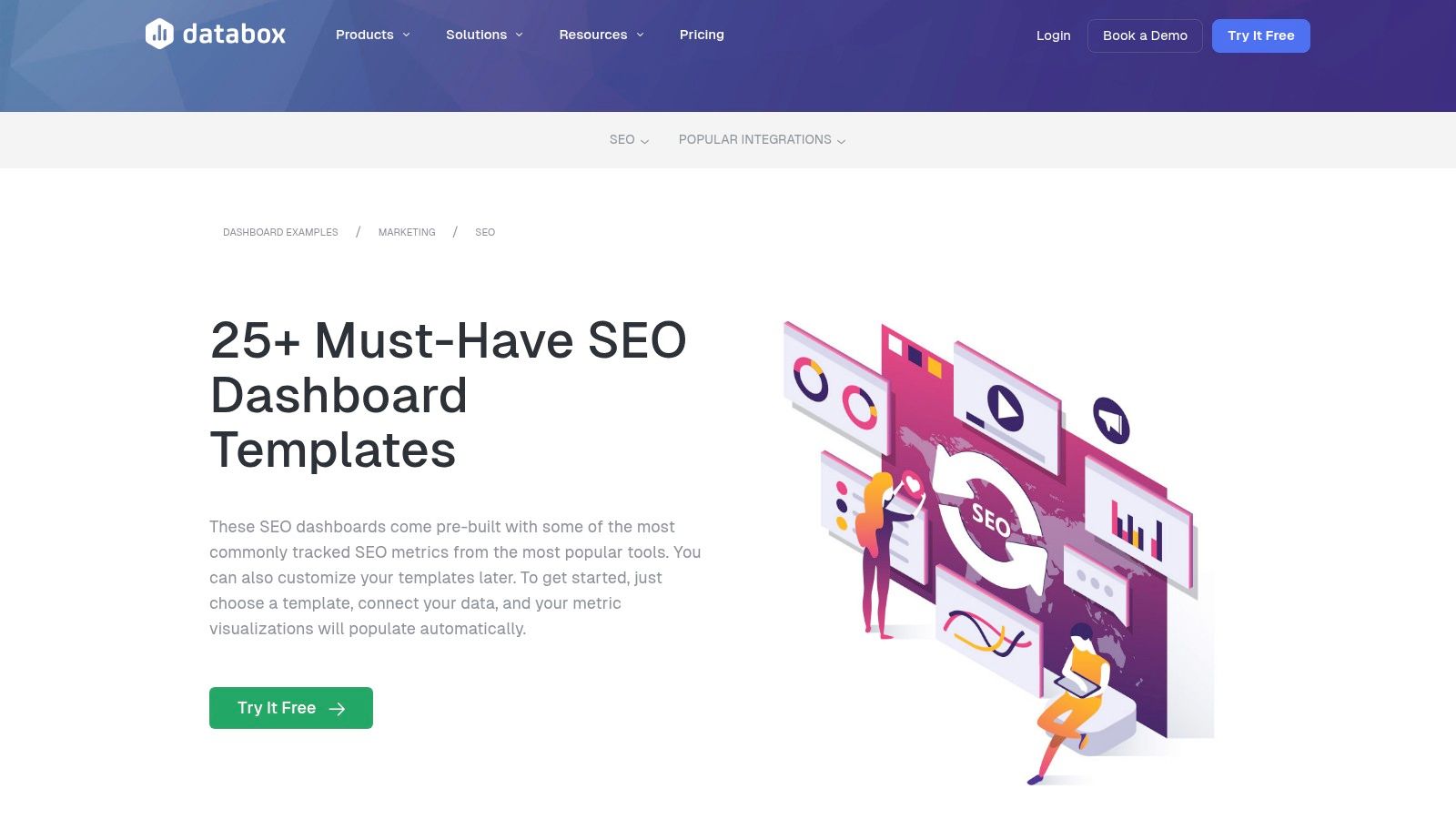
The platform is built for fast deployment and focuses on key performance indicators. For non-technical users, the one-click templates eliminate the complexity of report building. You can select a pre-made SEO dashboard, authorize your accounts, and immediately see your data visualized. Its agency-friendly features, like goal setting, automated alerts, and scheduled reports, make it ideal for managing multiple clients.
Key Metrics to Include for Attribution
- Organic Sessions by Landing Page: Pinpoint which pages are attracting the most search traffic.
- New Contacts from Organic Search: Connect your CRM to track how many new leads were generated directly from SEO efforts.
- Top Keywords by Impressions and Clicks: Use Google Search Console data to see which search terms are driving visibility and traffic.
- Conversion Rate (Goal Completions) from Organic: Measure how effectively your organic traffic converts into desired actions, such as form fills or demo requests. You can explore more about building an effective marketing attribution dashboard.
Why It Matters for Attribution
Databox simplifies the process of combining top-of-funnel SEO metrics (traffic, keywords) with bottom-of-funnel business outcomes (leads, conversions). By pulling data from both your SEO tools and your CRM into a single view, you can directly correlate activities like ranking for a new keyword with the number of qualified leads generated. This transforms your SEO reports from a list of metrics into a clear story about revenue impact.
How to Implement It (No-Code Tips)
Start by selecting one of Databox's combined SEO templates, such as the "Google Analytics 4 & Google Search Console" dashboard. Connecting your data sources is a simple, wizard-driven process that requires no code. To add lead data, use Databox's native integration with CRMs like HubSpot. If your CRM isn't natively supported, you can connect it via a Google Sheet that acts as a middleman, ensuring you can visualize your entire marketing funnel from first click to closed deal.
3. AgencyAnalytics – SEO Dashboards and Templates
AgencyAnalytics is an all-in-one reporting platform designed specifically for marketing agencies that need to deliver professional, white-labeled reports to clients. Its strength lies in consolidating data from dozens of marketing tools, including Semrush, Ahrefs, Google Analytics 4, and Google Search Console, into one cohesive dashboard. This makes it an excellent choice for agencies looking to standardize their reporting and provide a comprehensive view of SEO performance without manual data entry.
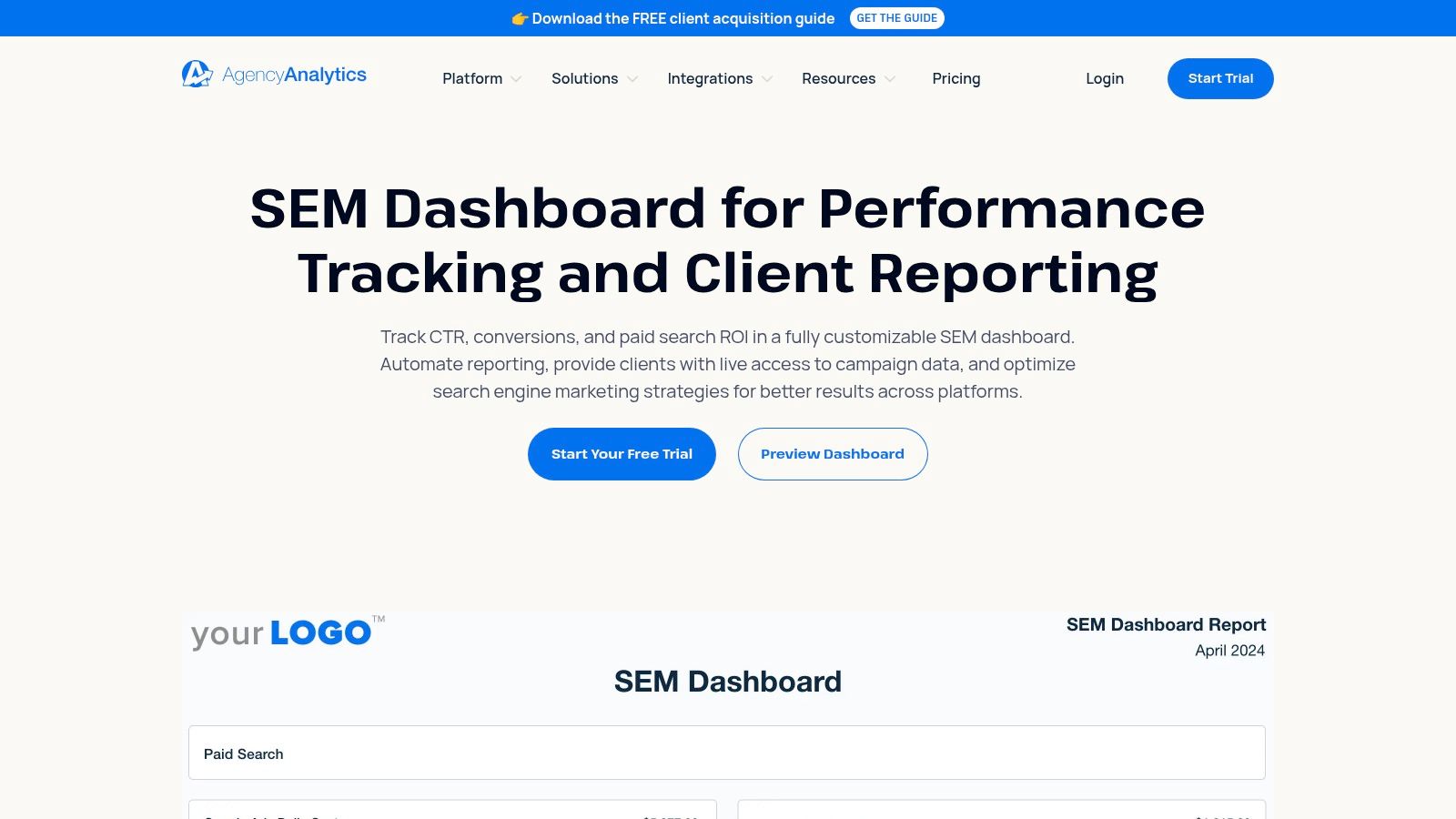
The platform offers a library of pre-made SEO dashboard and report templates that can be easily customized and reused for multiple clients. Features like a native rank tracker with SERP snapshots, automated scheduled reports, and custom client portals streamline the entire reporting process, saving agencies countless hours each month.
Key Metrics to Include for Attribution
- Organic Traffic & Conversions (GA4): Show the direct link between organic sessions and goal completions pulled from Google Analytics.
- Keyword Rankings vs. Clicks (GSC/Rank Tracker): Correlate ranking improvements for target keywords with actual clicks and impressions from Google Search Console.
- Top Organic Landing Pages by Conversions: Pinpoint the exact pages driving lead generation efforts.
- Backlink Growth (Ahrefs/Semrush): Overlay backlink acquisition data with organic traffic trends to demonstrate the impact of off-page SEO on performance.
Why It Matters for Attribution
For agencies, proving the value of their work is paramount. AgencyAnalytics simplifies this by connecting high-level SEO activities like link building and rank tracking directly to bottom-line results like traffic and conversions. By integrating data from tools like Semrush and GA4 in one view, you can tell a clear story: "Our link-building efforts improved rankings for these keywords, which drove more traffic to this landing page, resulting in this many new leads." This level of consolidated reporting is a powerful tool for client retention.
How to Implement It (No-Code Tips)
Setting up an AgencyAnalytics dashboard is incredibly user-friendly. Start by connecting your key data sources like Google Analytics, Search Console, and your preferred SEO tool (e.g., Semrush). Use one of their pre-built SEO report templates as a starting point. To include lead data, you can connect a Google Sheet where your CRM data is populated, allowing you to visualize traffic, rankings, and actual business leads in a single, automated report for your clients.
4. DashThis – SEO Reporting Dashboards
DashThis is engineered for speed and simplicity, making it the ideal choice for marketing agencies and teams that need to produce professional, client-ready SEO reports without the steep learning curve of a BI tool. Its primary strength lies in its extensive library of pre-built templates and unlimited integrations per dashboard, which allows users to connect tools like Google Analytics, Search Console, Ahrefs, and Semrush in one unified view. This makes it an excellent SEO dashboard example for teams focused on efficiency and clear communication.
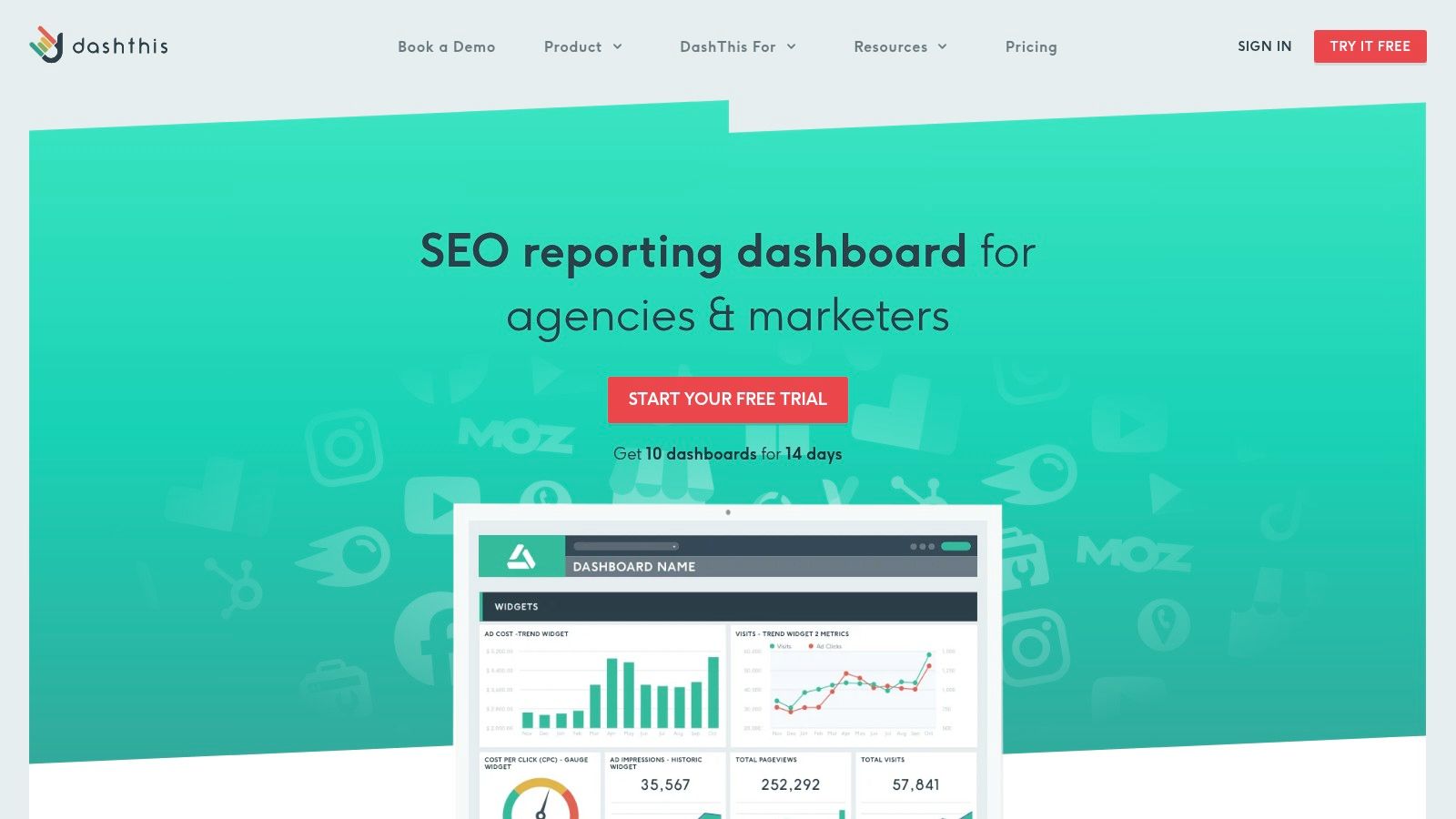
The platform is built to get you from data connection to a presentable report in minutes. With a straightforward per-dashboard pricing model and robust white-labeling options, agencies can deliver custom-branded reports that look like they were built in-house. The optional AI Insights feature further streamlines reporting by automatically generating summaries and highlighting key performance trends.
Key Metrics to Include for Attribution
- Organic Traffic vs. Goal Completions: Directly correlate website visits from search with specific conversion actions (e.g., form fills, demo requests).
- Top Landing Pages by Conversions: Pinpoint which pages are most effective at turning organic visitors into leads.
- Keyword Rankings vs. Organic Sessions: Map increases in keyword positions to actual traffic growth to see the tangible impact of SEO work.
- Cost Per Acquisition (Organic): If you can import CRM data showing customer value, you can calculate the effective cost to acquire a customer via SEO by dividing your SEO investment by the number of new customers.
Why It Matters for Attribution
For agencies and in-house marketers, clearly communicating the value of SEO is paramount. DashThis simplifies this by presenting performance and conversion data in a clean, easily digestible format. By blending high-level metrics like traffic with bottom-of-the-funnel data like goal completions, you can create a compelling narrative that links your SEO activities directly to business objectives, justifying budgets and demonstrating ROI without overwhelming stakeholders.
How to Implement It (No-Code Tips)
Start by selecting one of DashThis’s preset SEO report templates. Connect your Google Analytics 4 and Google Search Console accounts, along with any third-party SEO tools like Ahrefs or Semrush. To pull in lead data, use the Google Sheets integration. Configure your CRM (like HubSpot or Pipedrive) to export new lead data into a specific Google Sheet, which DashThis can then automatically pull from. This creates a simple, no-code attribution loop that ties your SEO efforts to lead generation.
5. Klipfolio – Dashboard Templates (PowerMetrics)
Klipfolio offers a powerful, no-code dashboarding solution that strikes a balance between user-friendly templates and advanced data customization. It's an excellent choice for marketers and agencies who have outgrown basic tools and need more control over how they model and blend their data. With over 130 integrations, Klipfolio makes it easy to pull information from various marketing sources into a unified view.
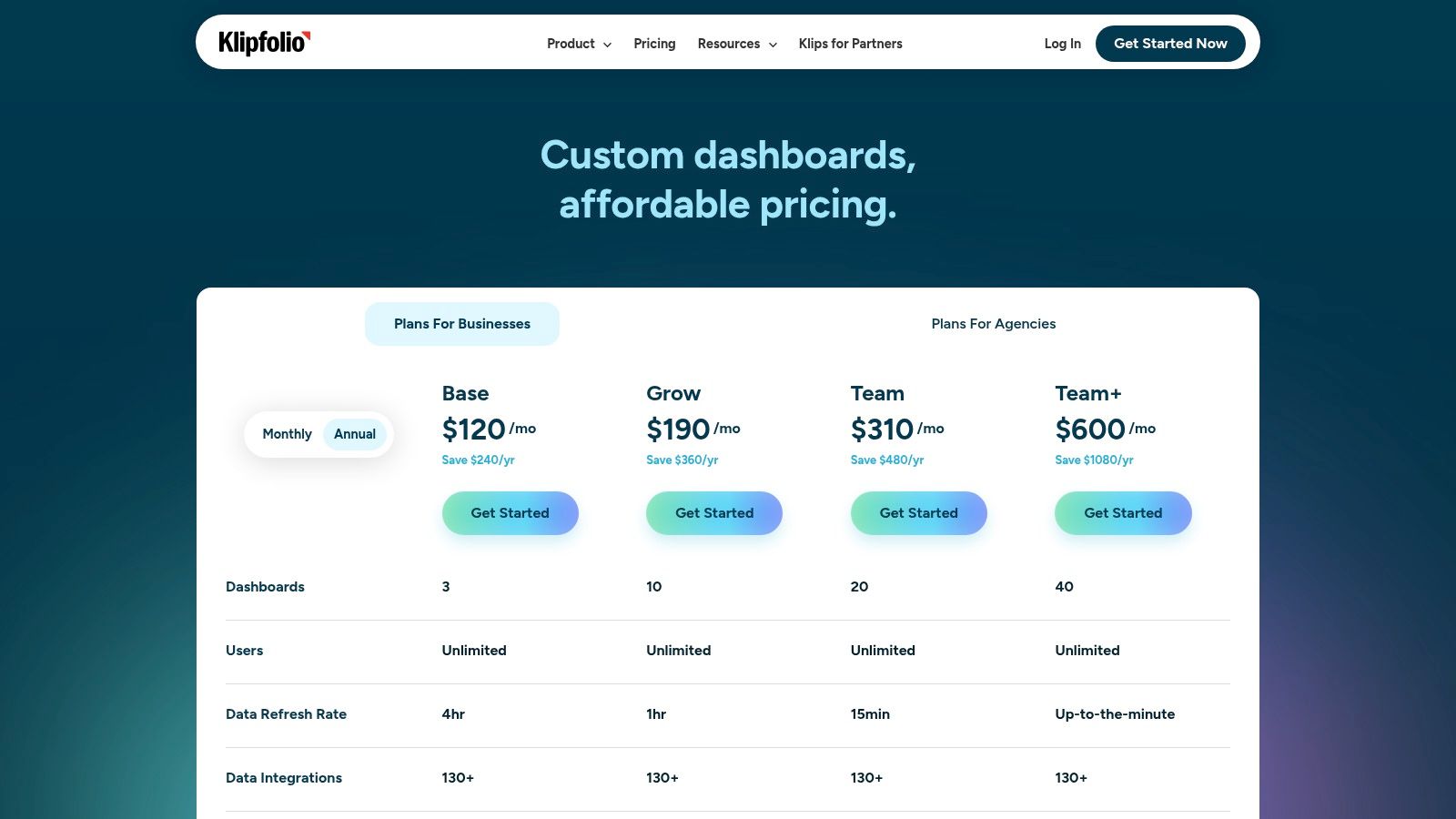
The platform's template gallery provides a solid starting point, but its real strength lies in its data modeling capabilities. This allows you to join different data sources, such as Google Analytics 4 traffic data and Salesforce lead data, to create custom metrics that truly reflect your business goals. This makes it an ideal seo dashboard example for those needing deeper attribution insights.
Key Metrics to Include for Attribution
- Organic Sessions by Landing Page: Pinpoint which pages are attracting the most search traffic.
- Organic Conversions (Goals): Track specific actions taken by users arriving from organic search, like form fills or demo requests.
- Organic Conversion Rate: Measure the efficiency of your landing pages at converting search traffic into leads.
- Top Organic Keywords by Conversions: See which keywords are not just driving traffic, but also generating valuable leads.
Why It Matters for Attribution
Klipfolio empowers you to move beyond surface-level metrics. By modeling and joining data from your analytics platform and CRM, you can build a comprehensive funnel view directly within your dashboard. This means you can visualize the entire journey, from the initial keyword search to a closed deal, attributing revenue back to specific SEO campaigns without needing to switch between platforms.
How to Implement It (No-Code Tips)
Start by connecting your GA4 and Google Search Console accounts using Klipfolio’s native integrations. To pull in lead and customer data, connect directly to your CRM (like HubSpot or Salesforce) or use a Google Sheet as an intermediary. Klipfolio's data modeler allows you to visually map relationships, for example, joining GA4 landing page data with CRM lead source data to create a unified report on top-performing organic content.
6. Semrush – All-in-One SEO Platform (Dashboards/Reports)
Semrush is an industry-leading SEO suite that offers more than just raw data; its built-in project dashboards and reporting features make it a powerhouse for tracking core SEO health. While not a dedicated attribution tool like others, it excels at providing the top-of-funnel and competitive context that informs your overall lead generation strategy. It is the go-to platform for understanding keyword performance, technical health, and backlink profiles.
This platform provides a comprehensive view of your search visibility, making it easy to create an seo dashboard example focused on performance metrics. For marketers already using Semrush for keyword research or site audits, leveraging its native dashboards is a natural next step to consolidate reporting and keep stakeholders informed without needing a separate visualization tool.
Key Metrics to Include for Attribution
- Keyword Position Tracking: Monitor rankings for your most important commercial and informational keywords to correlate ranking improvements with lead volume.
- Organic Traffic Cost: This metric estimates the value of your organic traffic if you were to pay for it via Google Ads, demonstrating clear ROI.
- Site Health Score (from Site Audit): Track technical SEO improvements over time, as a healthier site often leads to better rankings and more traffic.
- Backlink Profile Growth: Showcase the growth in referring domains and authority score, which are leading indicators of future organic traffic growth.
Why It Matters for Attribution
Semrush provides the "why" behind your traffic numbers. If organic leads suddenly drop, you can quickly check Semrush to see if it was caused by a ranking drop, new technical errors, or a competitor's surge. By connecting these operational SEO metrics with the lead data in your CRM, you create a complete narrative that explains performance fluctuations and justifies SEO investment.
How to Implement It (No-Code Tips)
Setting up a project in Semrush automatically generates dashboards for position tracking, site audits, and backlink monitoring. You can use the "My Reports" feature to drag and drop widgets from various Semrush tools into one unified PDF report. While it doesn't directly connect to most CRMs, you can export data as a CSV or Google Sheet and combine it with your lead data in a separate tool like Looker Studio for a full-funnel view.
7. Ahrefs – SEO Platform (Dashboard + Reporting)
Ahrefs is an industry-leading SEO toolset that provides a powerful, consolidated project dashboard for monitoring core performance indicators. While not a traditional data visualization platform, its dashboard serves as an excellent live view of technical and off-page SEO health. Its strength lies in the depth and accuracy of its proprietary data, especially for backlink analysis and keyword tracking.
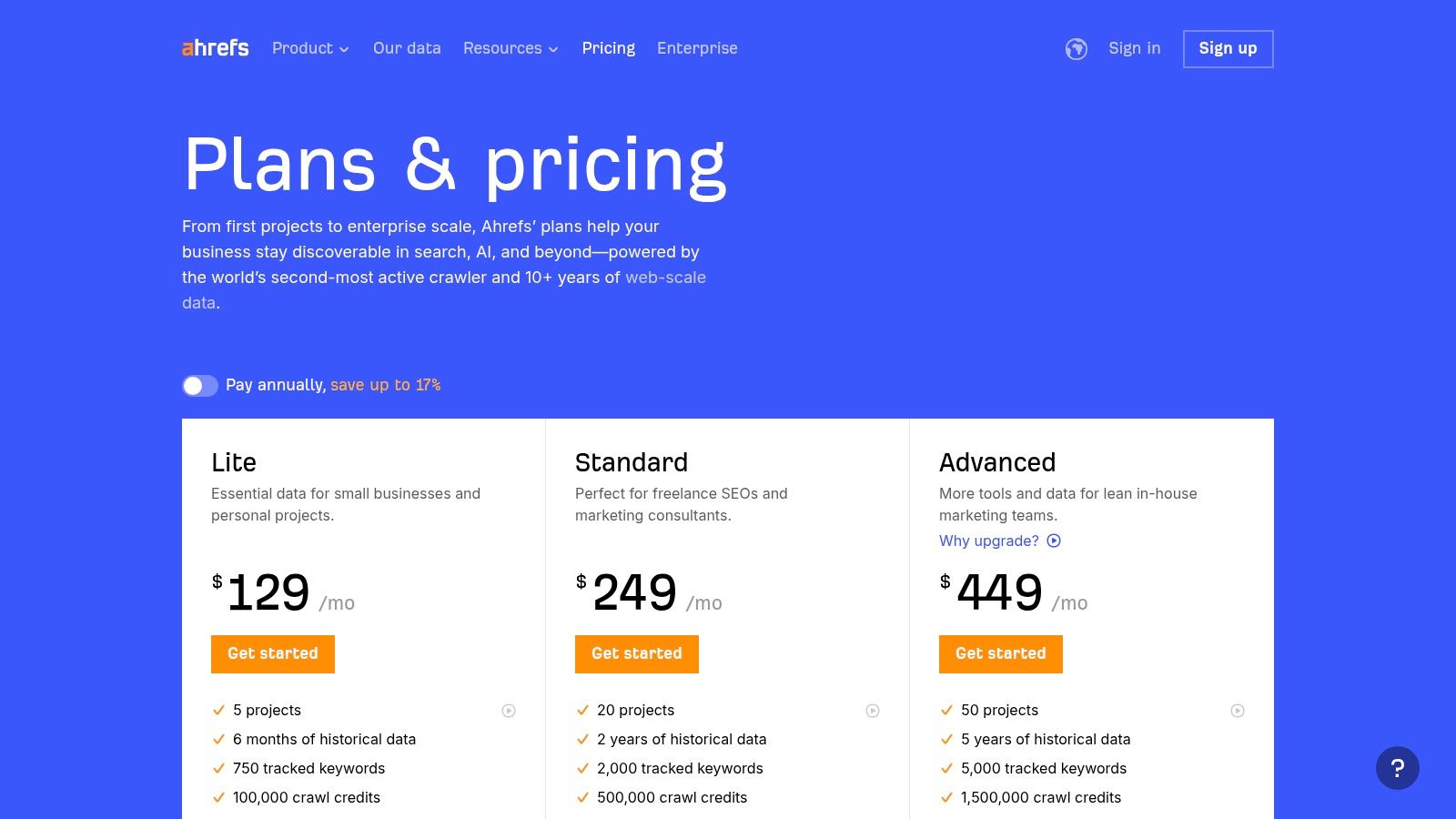
This platform is ideal for marketers who need to quickly diagnose the root cause of performance changes. The project dashboard centralizes crucial metrics like Domain Rating, referring domains, organic keywords, and Site Audit health scores, giving you a top-level summary at a glance before you dive deeper into its specialized tools.
Key Metrics to Include for Attribution
- Top Organic Keywords by Traffic: Identify which non-branded keywords are driving the most visitors to your site.
- Top Pages by Traffic: See which landing pages attract the most search engine visitors, indicating strong content-market fit.
- New & Lost Referring Domains: Monitor backlink velocity to understand how your site’s authority is changing over time.
- Keyword Position Changes: Track gains and losses for your most important target keywords to measure the direct impact of your SEO activities.
Why It Matters for Attribution
While Ahrefs doesn't connect directly to your CRM, it provides the essential top-of-funnel data needed to contextualize your lead generation results. By understanding which keywords and pages are gaining traction, you can correlate that growth with the organic leads you see in your analytics and CRM. This helps you attribute new leads to specific SEO campaigns, such as a link-building initiative or a content optimization project.
How to Implement It (No-Code Tips)
Setting up an Ahrefs project is simple: just add your domain and it will start crawling. To get a more complete picture, export key data from Ahrefs reports (like Top Pages or Organic Keywords) as a CSV file. You can then import this file into a Google Sheet and connect that Sheet as a data source in a Looker Studio dashboard. This allows you to visualize Ahrefs data alongside your conversion data from GA4 and your CRM, creating a comprehensive SEO dashboard example. You can read more about the fundamentals of tracking SEO performance to connect the dots.
Top 7 SEO Dashboard Comparison
| Tool | Implementation complexity (🔄) | Resource requirements (💡) | Speed / efficiency (⚡) | Expected outcomes (⭐ 📊) | Ideal use cases |
|---|---|---|---|---|---|
| Google Looker Studio – Report Gallery | Low 🔄: no-code templates; some connector setup | Low 💡: free platform; some third‑party connectors may be paid | Fast ⚡: quick template copy-and-connect | Good ⭐: solid standard SEO reports; quality varies by template 📊 | Non‑technical marketers who want free, fast templated reports |
| Databox – SEO Dashboard Templates | Low–Medium 🔄: one‑click templates + drag‑drop Designer | Medium 💡: paid plans; many integrations; costs scale | Very fast ⚡: rapid deployment, scorecards, alerts | Strong ⭐: agency-ready dashboards with goals/alerts 📊 | Agencies and teams needing quick client reporting and KPIs |
| AgencyAnalytics – SEO Dashboards and Templates | Low–Medium 🔄: prebuilt agency templates and rank tracker | Medium–High 💡: paid; pricing per client; add‑ons may apply | Fast ⚡: templated multi‑client reporting | High ⭐: white‑label, consolidated client reports 📊 | Agencies managing multiple clients with white‑label needs |
| DashThis – SEO Reporting Dashboards | Very low 🔄: plug‑and‑play templates focused on simplicity | Medium 💡: paid; per‑dashboard pricing; AI add‑on optional | Very fast ⚡: quick client‑ready reports | Good ⭐: straightforward client reports; limited advanced blending 📊 | Non‑technical teams/agencies wanting very fast client reports |
| Klipfolio – Dashboard Templates (PowerMetrics) | Medium 🔄: no‑code but more modeling/customization | Medium–High 💡: paid; real‑time refresh often extra | Moderate ⚡: customizable dashboards require setup | Strong ⭐: deeper data modeling and joins; flexible outputs 📊 | Marketers needing advanced joins/modeling without full BI tools |
| Semrush – All-in-One SEO Platform | Medium 🔄: built‑in project dashboards within SEO suite | High 💡: paid; can be expensive with add‑ons/users | Moderate ⚡: native SEO data but learning curve | High ⭐: deep SEO and competitive insights; integrated toolkits 📊 | Teams using Semrush for full SEO, competitive and keyword tracking |
| Ahrefs – SEO Platform (Dashboard + Reporting) | Medium 🔄: project dashboards and native tools | High 💡: paid; cost rises with projects/keywords | Moderate ⚡: consolidated KPIs; fast exports | High ⭐: strong data depth and accuracy for backlinks/keywords 📊 | SEO teams prioritizing accurate backlink and keyword monitoring |
Building Your Ultimate Attribution Dashboard
We've explored a variety of powerful tools and templates, from the versatile Google Looker Studio to the comprehensive platforms of Semrush and Ahrefs. Each seo dashboard example shared a common thread: the most impactful reports move beyond vanity metrics like traffic and rankings to tell a complete story from first click to final conversion.
The true power of an SEO dashboard isn't just in the charts and graphs; it’s in the clarity it brings to your marketing efforts. A well-constructed dashboard answers the most critical question: Which SEO activities are actually generating leads and revenue? By focusing on attribution, you transform your reporting from a simple activity log into a strategic decision-making tool that proves SEO's direct contribution to business growth.
Your Action Plan for a Smarter SEO Dashboard
Building the perfect dashboard is a journey, not a destination. It starts with a solid foundation and evolves as your business does. Instead of trying to build a complex, all-encompassing report from day one, focus on getting the fundamentals right.
Here is a simple, four-step action plan to guide you:
- Define Your Core Metrics: Before you even look at a tool, define what success means for your business. Is it qualified leads, demo requests, or closed-won customers? Your most important business outcomes must be the central focus of your dashboard.
- Choose the Right Tool: Your technical comfort level and budget are key. If you're looking for a free and flexible option, Google Looker Studio is a great starting point. If you need pre-built templates and a simpler setup, platforms like Databox or DashThis are excellent choices. For all-in-one analysis, Semrush and Ahrefs offer robust internal dashboards.
- Ensure Clean Data Flow: This is the most critical step. Your dashboard is only as good as the data it receives. A marketing attribution tool is essential for capturing accurate lead source data (like UTM parameters) directly in your CRM form submissions. This bridges the gap between website activity and your sales pipeline.
- Start Simple and Iterate: Your first seo dashboard example doesn't need to be perfect. Begin with a few key widgets tracking organic sessions, organic leads, and conversion rates. Once that foundation is solid, you can gradually add more granular data like assisted conversions or lead value over time.
Moving past surface-level metrics is how you demonstrate the real-world value of your SEO strategy. By connecting your efforts directly to leads and customers, you empower yourself and your team to make smarter, data-driven decisions that fuel sustainable growth. You have the blueprint; now it’s time to build a dashboard that truly matters.
Ready to finally connect the dots between your traffic and your CRM? LeadPulse makes it simple to capture accurate UTM and marketing attribution data with every form submission, no coding required. See exactly which keywords, pages, and campaigns are driving your best leads by sending clean data to your dashboards. Get started with LeadPulse today and build the attribution-focused SEO dashboard you've always wanted.
Unlock Your Marketing ROI with Customer Journey Tracking
Stop guessing where your best leads come from. This guide to customer journey tracking shows you how to connect marketing efforts to sales without writing code.
Marketing lead tracking: Connect forms to CRM for smarter pipelines
Discover marketing lead tracking that ties your forms to CRM in minutes. A clear, non-technical guide to boost attribution and conversions.